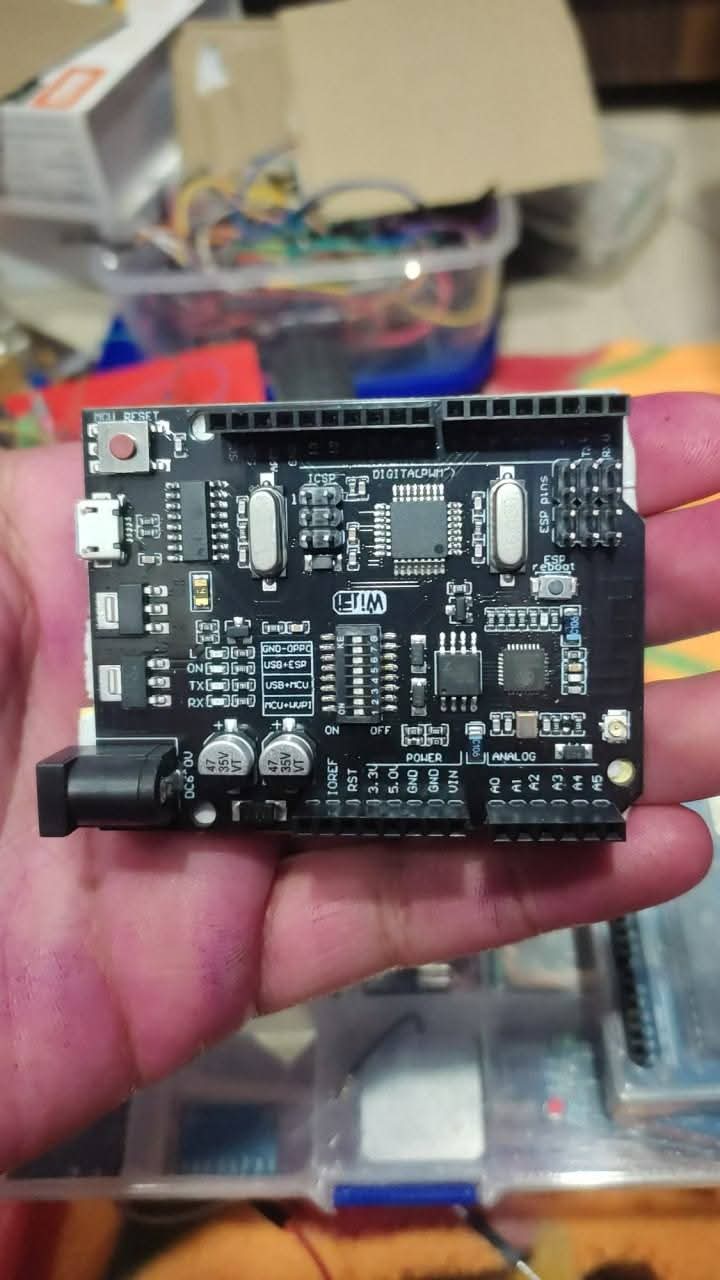
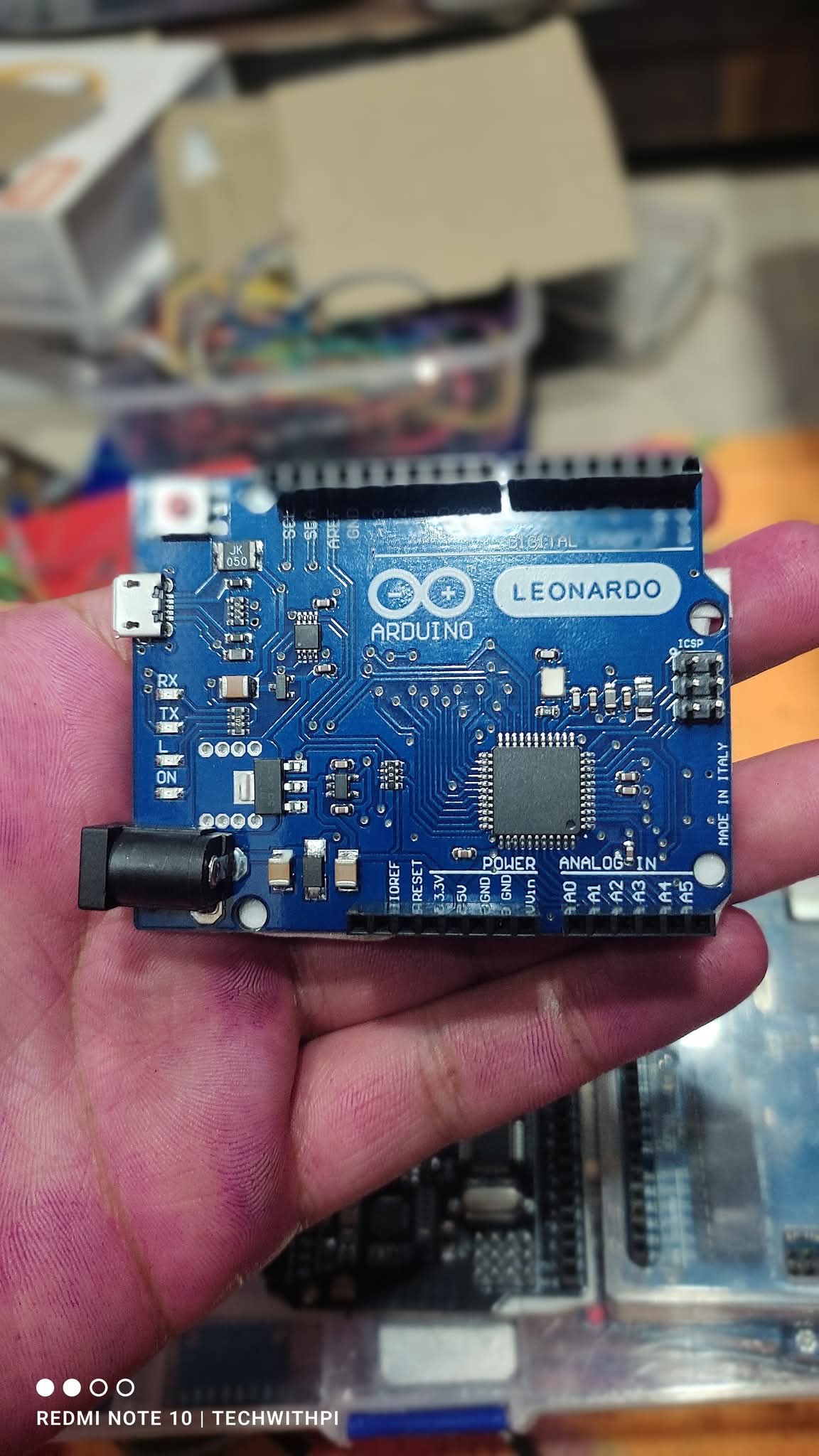
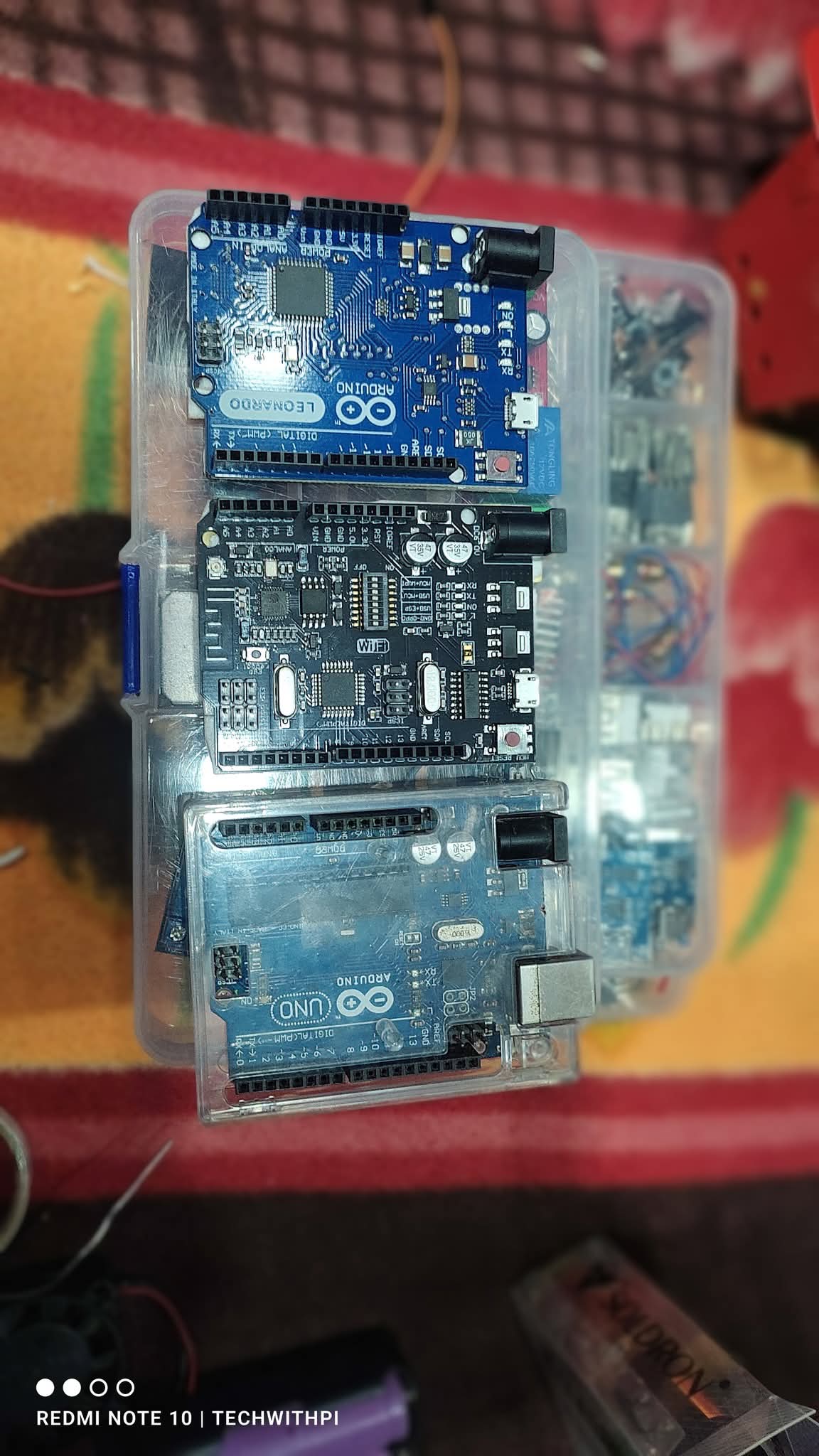
Today, while working on a project, I came across three boards from my collection. I thought, why not share a quick post about them? Though all three are clones (because, well, budget constraints!), they still get the job done. After all, everyone wants budget-friendly projects, right?
So, let’s talk about today’s three boards:
1️⃣ Arduino UNO R3 – The go-to board for beginners.
2️⃣ Arduino Leonardo – A powerful board with USB HID functionality.
3️⃣ Arduino UNO R3 + ESP8266 – The ultimate combo with built-in WiFi.
Though these boards are a bit old, they’re still perfect for beginners. If you’re just starting out, Arduino UNO R3 is the best choice for you!
Would you like me to start uploading daily Arduino programming videos with full explanations? Let me know in the comments!
Meanwhile, I’ve compared these three boards below. Check it out and tell me what you think!
🚀 Follow the page & like this post for more exciting content!
Arduino Boards Comparison: Which One is Right for You?
If you're an electronics enthusiast or a beginner in embedded systems, choosing the right Arduino board can be tricky. Here’s a detailed comparison of four popular Arduino boards:
1️⃣ Arduino UNO (Original)
The most widely used board, perfect for beginners.
✔️ Microcontroller: ATMega328P
✔️ 14 Digital I/O Pins (6 PWM)
✔️ 6 Analog Inputs
✔️ USB-B Port for programming
✔️ Clock Speed: 16 MHz
✔️ Reliable and well-supported in the community
Best for: General-purpose projects, prototyping, and learning.
2️⃣ Arduino UNO (Clone)
A budget-friendly alternative to the original.
✔️ Same specifications as the original UNO
✔️ More affordable
✔️ Quality may vary depending on the manufacturer
Best for: Those looking for a cost-effective solution for non-critical projects.
3️⃣ Arduino UNO + WiFi (ESP8266 Integrated)
Combines Arduino UNO and ESP8266 WiFi module on a single board.
✔️ Same specs as Arduino UNO
✔️ Built-in ESP8266 for WiFi connectivity
✔️ Can be used for IoT applications
Best for: IoT projects, smart home automation, and wireless communication.
4️⃣ Arduino Leonardo
A powerful board with USB HID functionality.
✔️ Microcontroller: ATMega32u4
✔️ 20 Digital I/O Pins (7 PWM)
✔️ 12 Analog Inputs
✔️ Micro-USB Port
✔️ Can act as a keyboard or mouse
Best for: USB-based projects like custom keyboards, game controllers, and automation tools.
Which One Should You Choose?
✅ For basic electronics and learning → Original UNO
✅ For cost-saving projects → Clone UNO
✅ For IoT and wireless connectivity → UNO + WiFi
✅ For USB HID applications → Leonardo
Which Arduino board is your favorite? Comment below!
🔗 #TechWithPi #Arduino #EmbeddedSystems #IoT
Comments (0)
Be the first to comment!